Published on August 22, 2026
Ceiling Fan Remote Not Working? 4 Quick Troubleshooting Steps
By Sarah Jenkins
Modern ceiling fans rely heavily on remote controls and smart wall switches. When the remote stops working, your fan becomes stuck on one speed (or stuck off). Before you rip the fan out of the ceiling, try these steps.
1. Check the Dip Switches
If you recently experienced a power surge or if your neighbor set up a similar fan, your frequencies might be crossing. Open the battery compartment of your remote and look for 4 small sliding switches (dip switches). Change their pattern, then access the receiver inside your fan's ceiling canopy and match the pattern exactly.
2. Bypass the Receiver
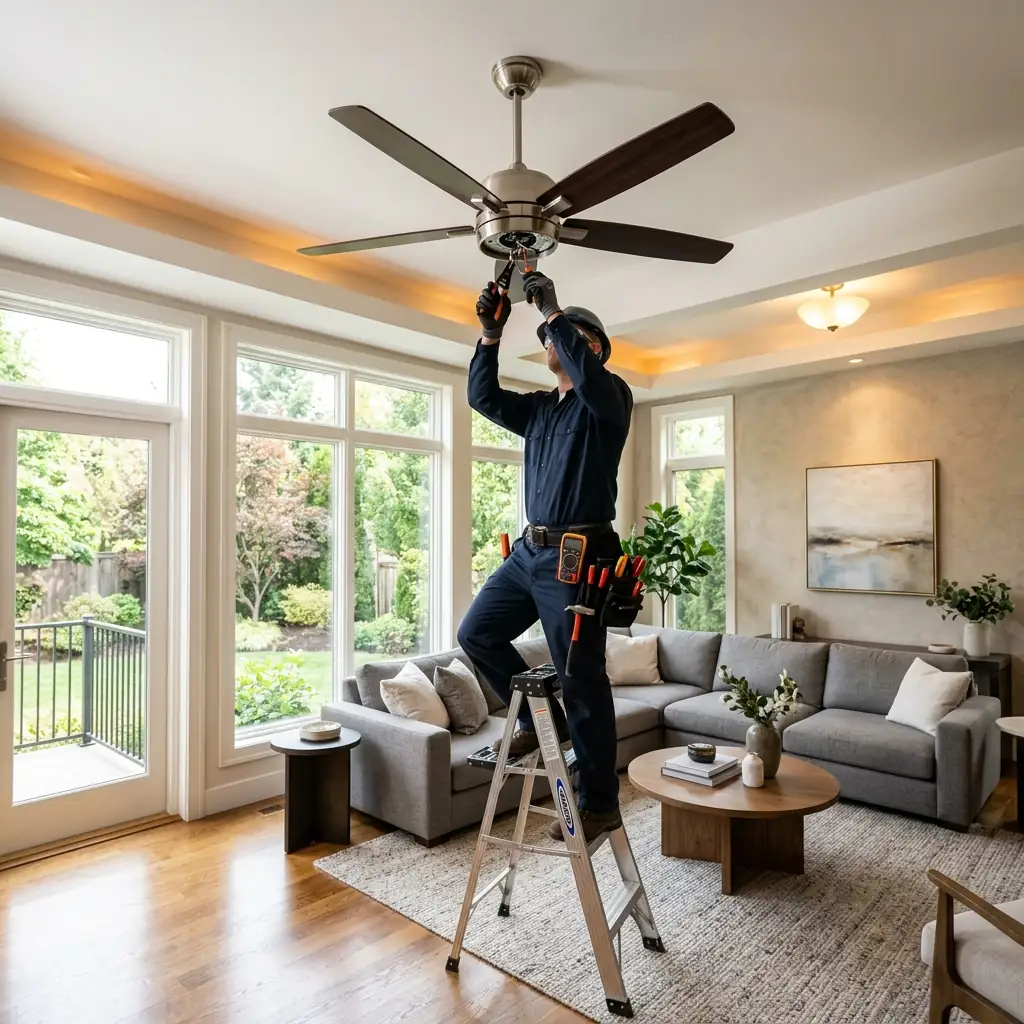
If the remote still won't work, the receiver module inside the fan canopy might be dead. A licensed electrician can safely bypass the receiver, wiring the fan directly to your wall switches to restore basic functionality.
3. Reset the Smart Fan Module
For Wi-Fi enabled fans (like Hunter SIMPLEconnect or Bond Bridge devices), the internal module can sometimes freeze. Turning off the circuit breaker to the fan for 5 minutes and then turning it back on can force the module to reboot and reconnect to your network.
4. Replace the Receiver
Universal remote and receiver kits are inexpensive. At Ceiling Fan Repair Pro, we carry universal replacement modules on our trucks and can swap out a dead receiver in under 30 minutes, saving you the cost of a brand new fan.
Need Professional Fan Repair?
Don't risk a DIY fix. Our licensed electricians offer same-day service with a 90-day guarantee.
Call 877-396-1376